
Small Meeting Room
At Video Conferencing Solutions Santa Ana, we design and install small meeting rooms that support clear, efficient communication for growing teams and client discussions. Perfect for 4–8 users, each room is equipped with professional audio-visual systems and video conferencing technology to ensure smooth meetings, reliable connections, and a distraction-free collaboration experience—whether participants are onsite or remote.
Brief overview
Small meeting rooms are essential for productive collaboration, team discussions, and client meetings in today’s hybrid work environment. At Video Conferencing Solutions Santa Ana, we create intelligently designed meeting spaces that blend comfort, functionality, and advanced technology. Our solutions are built to deliver reliable audio and video performance while maximizing your available space—ensuring every meeting runs smoothly without technical delays or interruptions. From layout planning to full system integration, we provide end-to-end support to ensure your small meeting room is efficient, professional, and future-ready. Whether your team is hosting in-person meetings or connecting with remote participants, our custom solutions help you collaborate with confidence.
KEY highlights
- Designed for 4–8 participants
- Professional video conferencing integration
- Crystal-clear audio and high-definition video quality
- Optimized camera placement for natural interaction
- Smart display and screen-sharing solutions
- Clean, structured cabling for a tidy and reliable setup
- Secure and stable network connectivity
- Custom layouts to maximize space efficiency
- Easy-to-use systems with minimal training required
- Scalable solutions that grow with your business
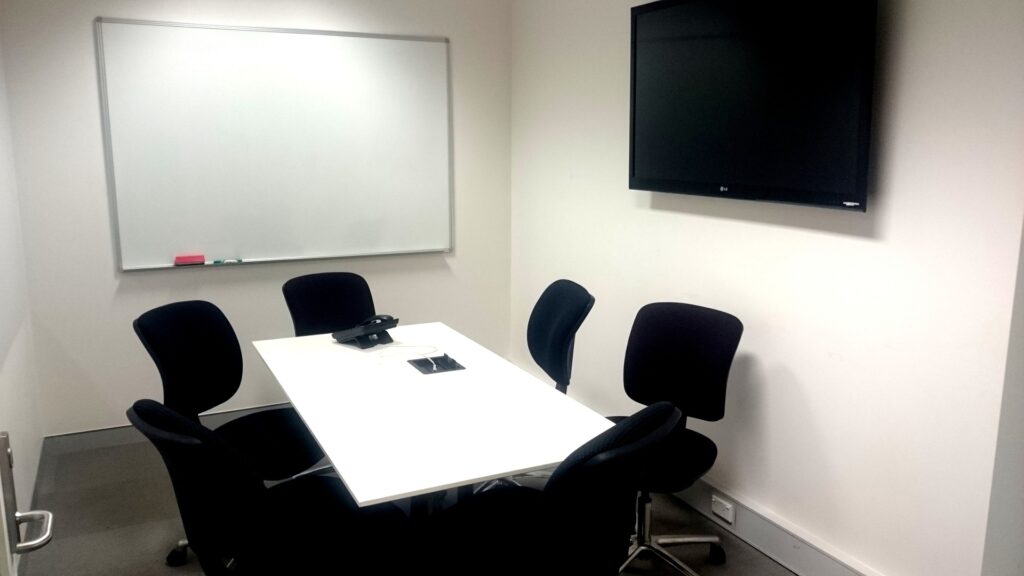
| Attribute | Details |
|---|---|
| Capacity | ~4-8 people |
| Typical Equipment | One or two displays (55″-65″); a PTZ (pan-tilt-zoom) camera or high-quality video bar; ceiling/table microphones; good speakers; wall/outlet power and HDMI/USB-C connectivity at table. |
| Recommended Platforms | Zoom Rooms, Microsoft Teams Rooms, Webex Rooms — all typical. |
| Key Considerations | Need to ensure all participants are visible and audible; camera positioning matters; microphone coverage must include participants who might be at the ‘back’ of the room; display size and visibility of remote participants + shared content. Logitech+1 |